TopForge lives on your computer and talks to 500 AI keys across 25 engines. You describe what you want. It writes it, ships it, runs it — on Windows, Mac, Linux, phone.
We'll do the rest.
12 seconds. Every time. What's happening inside TopForge when you give it a prompt.
Describe it in plain English. TopForge sketches the blueprint, writes every file, tests it, and ships a working version to your machine — before your coffee cools.
No boilerplate. No scaffolding. Just idea → working software.
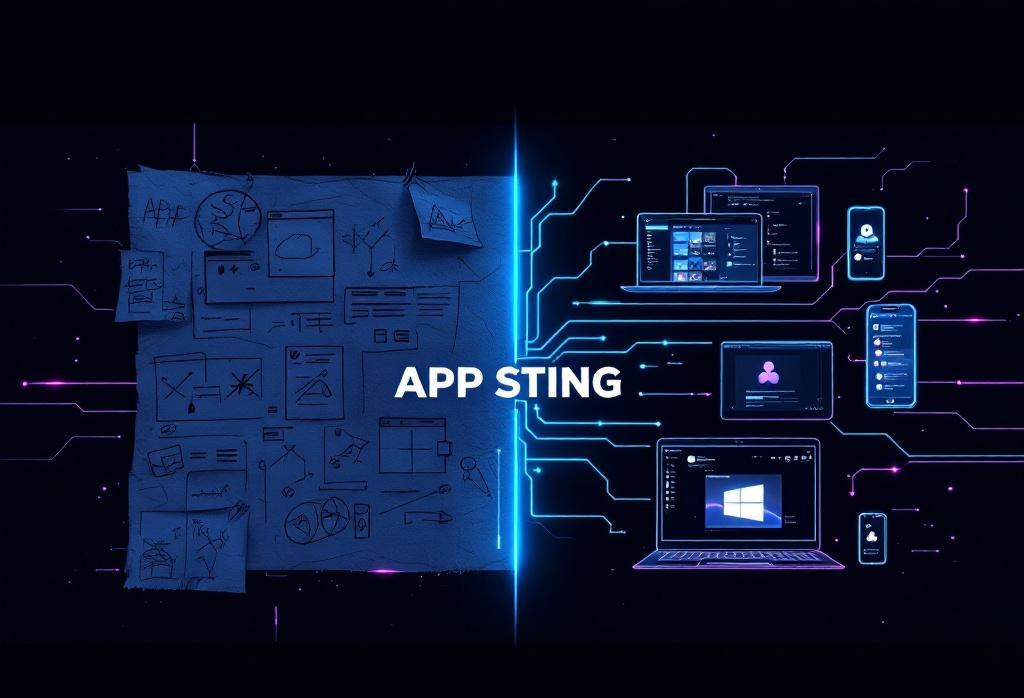


You speak your idea once. TopForge forges it natively for every screen you own — desktop, laptop, phone, tablet.
No "compatibility mode." No "best effort." Native code on every target.
One prompt becomes five listings — Microsoft Store, Mac App Store, Snap + Flathub, Google Play, Apple App Store — packaged, signed, ready to upload.
More stores. More customers. More revenue. We keep 85% on the paid stores (Apple Small Business, Google Play Small Biz). The direct downloads keep 100%.


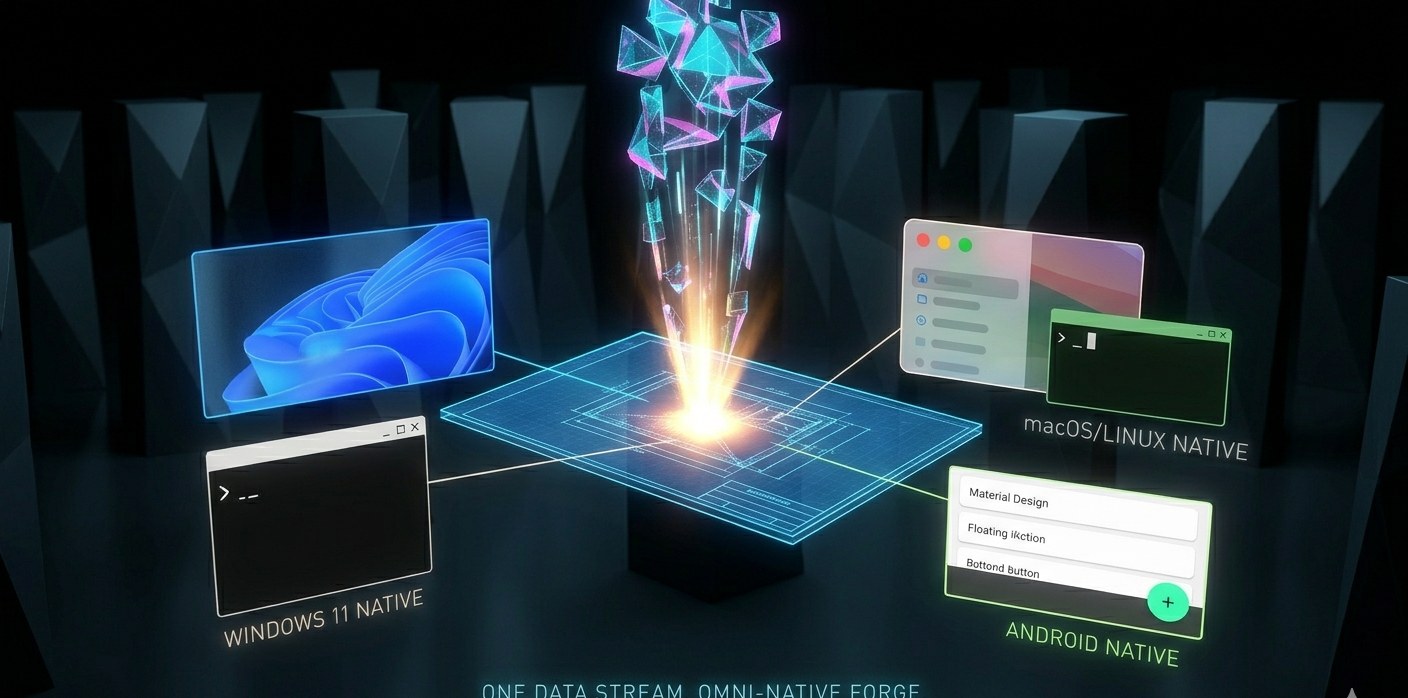
TopForge's forge engine compiles one blueprint into native code for Windows 11, macOS, Linux, and Android — all from the same prompt.
No per-platform rewrite. No duplicated effort. Write once. Ship five.
TopForge doesn't ship a first draft. It runs two different AI engines on every suggestion — one writes, one reviews.
Bugs get caught before they reach your screen. This is what Claude Code cannot do. This is why TopForge is different.
TopForge's routing brain picks from 25 engines in real-time. DeepSeek V3.2 for logic. Qwen 3 Coder for raw code. Kimi K2 for long context. GLM-5 for agentic planning.
You never see the router. You just see the right answer, faster.

Your browser downloaded the installer — it's in your Downloads folder. Open that folder, find INSTALL.bat (Windows) or INSTALL.sh (Mac/Linux), double-click it. A window will open and walk you through the rest.
Click "More info" → "Run anyway". We're getting the installer signed. For now Windows flags every unsigned file. TopForge is safe — you can open INSTALL.bat in Notepad and read every line before running.
topforge says "not recognized"Close your terminal and open a NEW one — Windows applies the PATH change only to new windows. If that still doesn't work, download and double-click FIX_COMMAND.bat — it drops the command into a PATH folder that always works.
TopForge needs Python 3.9 or newer. We'll open the install page for you — check the box "Add Python to PATH" during Python's install, then click Finish. Double-click the TopForge installer again. It'll finish the rest.
Those land on Google Play and the App Store within the next few weeks. Drop your email in our waitlist — we'll ping you the day they drop.
Message help@topforge.io — tell us which computer and what you saw on screen. We answer fast.
Install via pip:
pip install --user https://iamsuperio.cloud/downloads/topforge/topforge-0.1.0-py3-none-any.whl
Download source:
topforge-0.1.0-py3-none-any.whl (9.2 KB) · topforge-0.1.0.tar.gz (tarball) · source.zip · README.md
Tools: read, write, edit, bash, glob, grep. Session state in ~/.topforge/sessions/. Engine override via --engine glm5|deepseek|kimi|qwen|gemini.
Stores in progress: Microsoft Store · Mac App Store · Snap + Flathub · Google Play · Apple App Store — live within weeks.
Web version (same brain): iamsuperio.cloud/maya-qode